Introduction
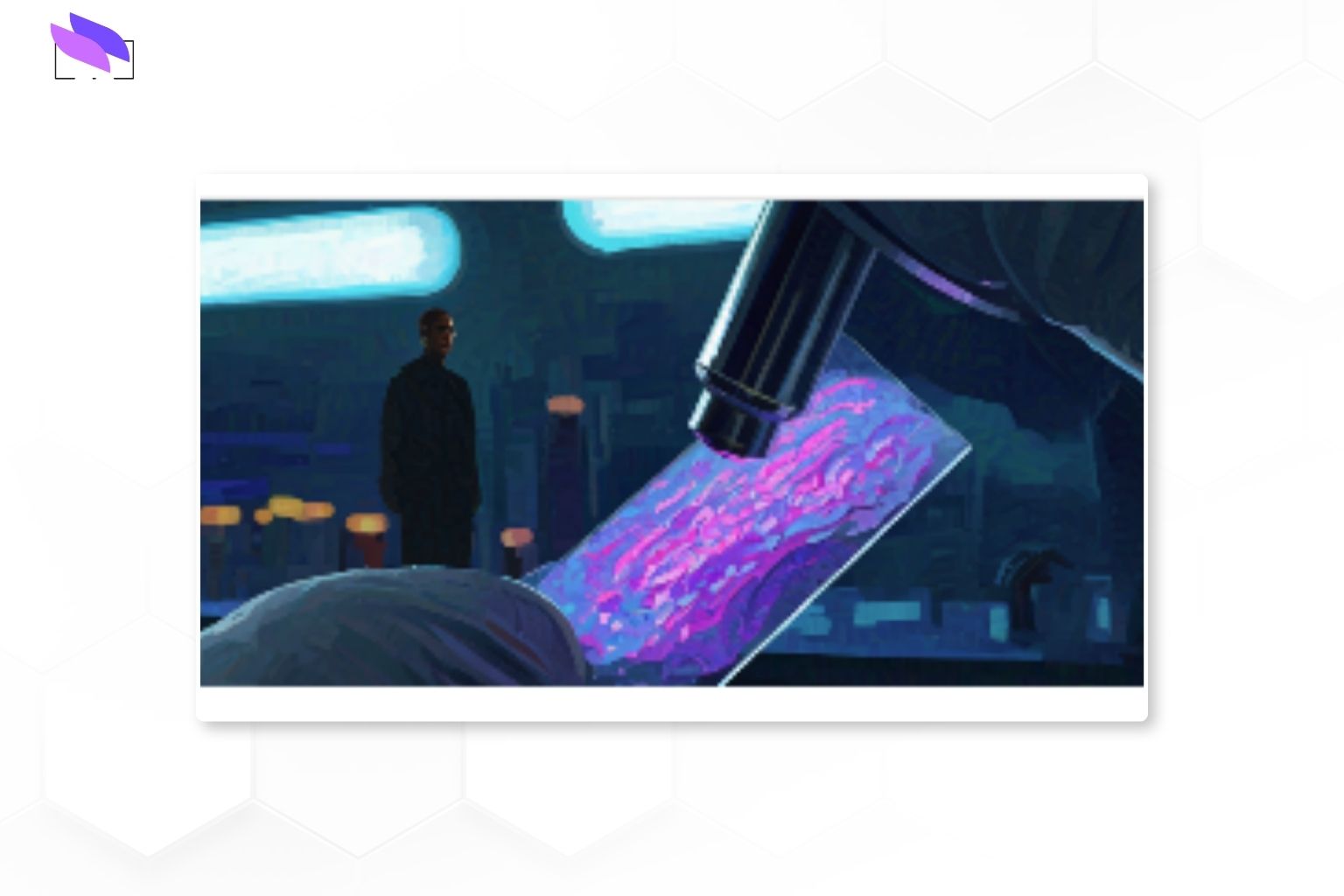
Digital pathology uses high‑resolution slide scanners and software to convert traditional glass slides into navigable digital images. Instead of being tied to a microscope and physical slide trays, pathologists can review, annotate and share cases from any connected workstation.
For labs, this shift is not just a technology upgrade — it changes how cases are allocated, how quickly second opinions are obtained, and how easily quality can be monitored across an entire service line.
From glass slides to pixels
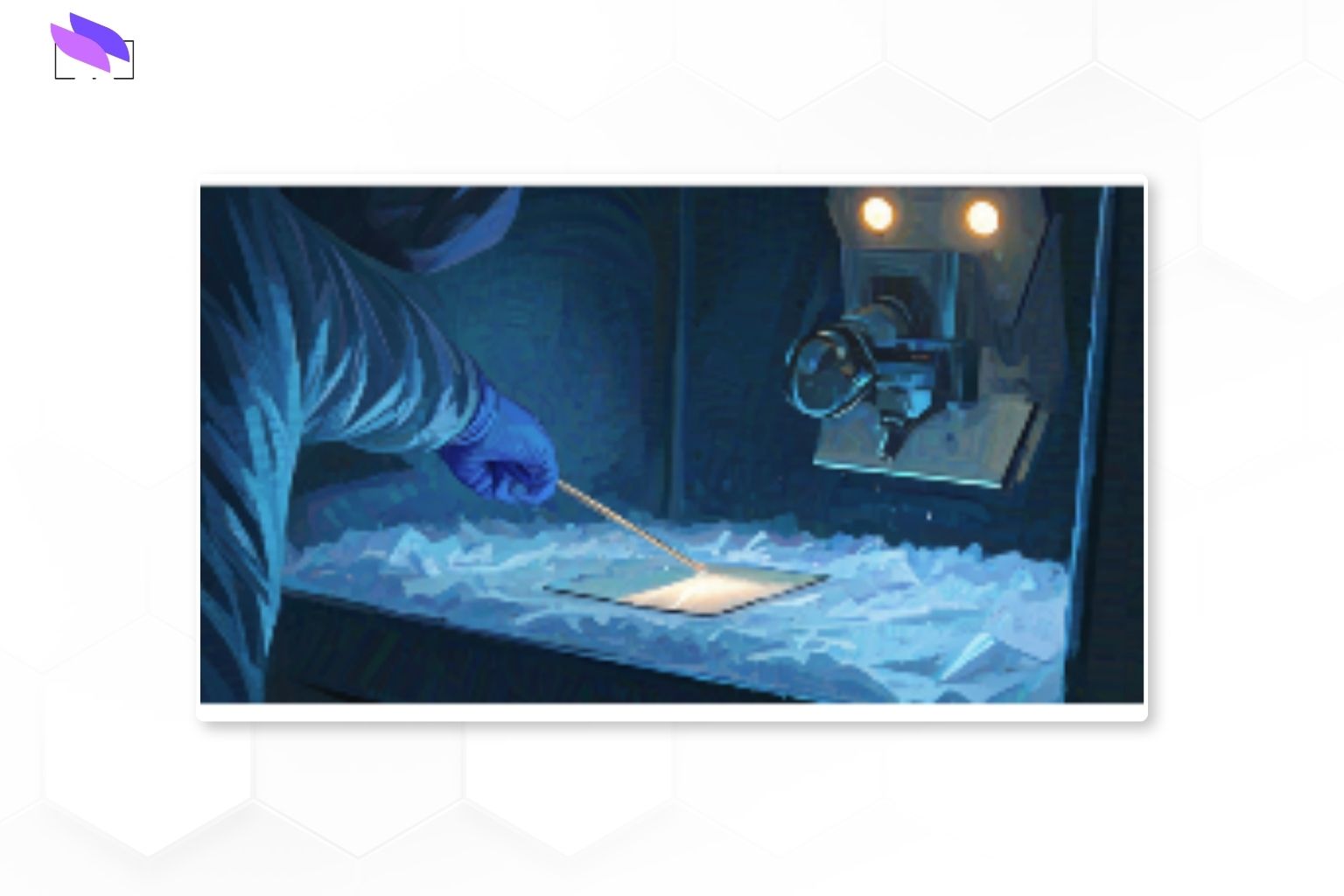
In a digital workflow, stained slides are scanned using whole‑slide imaging scanners that capture the entire slide as a high‑resolution image. These images are stored on central servers and accessed through a dedicated viewing platform or via the Laboratory Information System (LIS).
Pathologists can pan, zoom and annotate just as they would with a microscope, but with the benefit of instant access to historical cases, side‑by‑side comparisons and collaboration tools for remote consultations.
Why labs are adopting digital pathology
Many labs that adopt digital pathology report both clinical and operational gains. Well‑implemented systems can shorten turnaround times, reduce slide retrieval delays and improve access to subspecialty expertise.
Digital workflows also make it easier to standardise reporting templates, support tumour boards and enable image‑based quality assurance programs across multiple sites.
Core building blocks of a digital workflow
A practical digital pathology setup usually combines four elements:
- Slide scanners – capture whole‑slide images at diagnostic quality, typically 20x or 40x.
- Image management platform – stores, indexes and serves images to pathologists.
- LIS integration – links cases, reports and images so users stay in one workflow.
- Secure infrastructure – handles storage, backup, access control and audit trails.
Benefits for clinical practice
Digital slides support faster case allocation, easier load‑balancing between sites and more flexible work patterns, including remote reporting where regulations permit.
They also enable better multidisciplinary review, allowing radiology, oncology and pathology teams to share the same case materials in tumour boards and research meetings.
Implementation considerations
Successful projects usually start with a clear business case and a phased rollout plan, rather than trying to digitise everything at once.
Key decisions include which specimen types to prioritise, how many scanners are required, where to host image storage, and how to train pathologists so the new tools enhance — not disrupt — existing diagnostic habits.
Scaling up and future‑proofing
As caseloads grow, storage, network bandwidth and viewer performance become just as important as scanner throughput.
Choosing platforms that can support AI‑assisted workflows, regional collaborations and research use cases helps ensure today’s investment remains relevant as digital pathology matures.
From glass slides to pixels – key steps
Core components of a digital pathology setup
Clinical benefits, implementation focus and scaling considerations
Conclusion
Digital pathology is moving from pilot projects to routine use in many labs worldwide. With the right scanners, software integration and change‑management support, it can improve turnaround, collaboration and long‑term data value for pathology services.
Contact ISTOS Medical at +91 80 2686 0607 or +91 99001 98668, or email talktous@istos.in to discuss digital pathology integration options for your lab.